Essential Digital Skills - Getting Started With Spreadsheets
Answers
Question 1
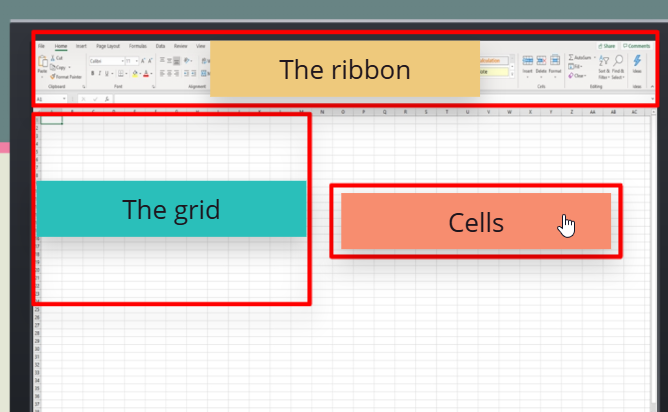
Question 2
- True
- True
- True
- False
- False
Question 3
- Highlight row 1
- Click the insert button on the ribbon
- Type in the column headings
Question 4
- Highlight all the cells using the left hand mouse button
- Hold the mouse button down and drag it across
- Click format as table
- Chose the table design
Question 5
- Using the left hand mouse button click on a cell to select it
- The cell will turn grey
- Click on the button with the A with the red line underneath
- The data in the cell changes colour